Custom Roles
Create and manage custom organization-scoped roles
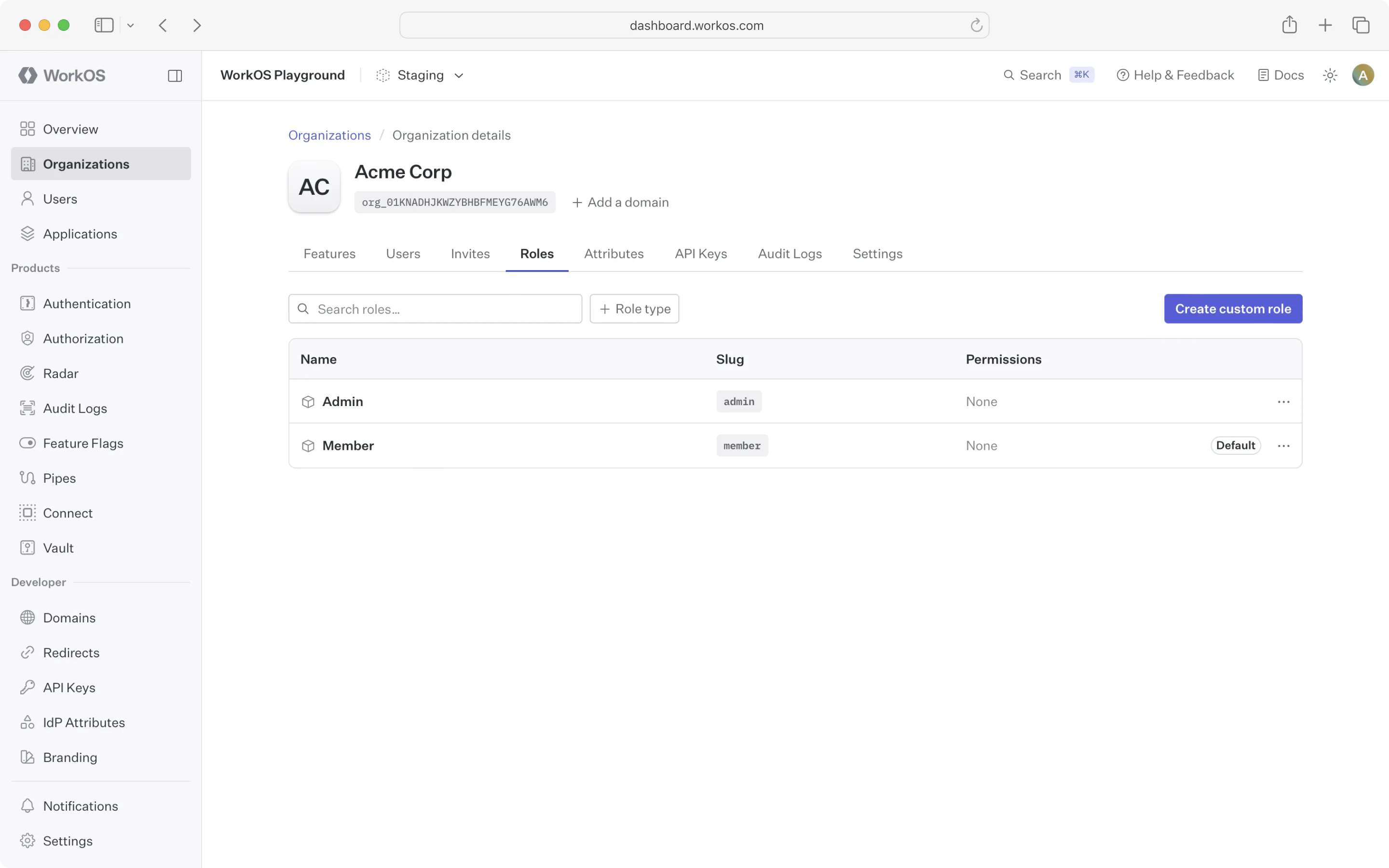
Custom roles are roles scoped to a particular organization. They are managed via the Roles tab under an organization in the WorkOS Dashboard or using the Custom Roles API. You can utilize custom roles regardless of whether you’re integrating with AuthKit, SSO, or Directory Sync.
Why might I use custom roles?
In some cases, an application’s fixed set of roles may not meet the needs of certain organizations. For example, an organization may require a lesser privileged set of permissions for their members. Custom roles allow you to create roles with the organization’s desired set of permissions, without affecting access control for other organizations.
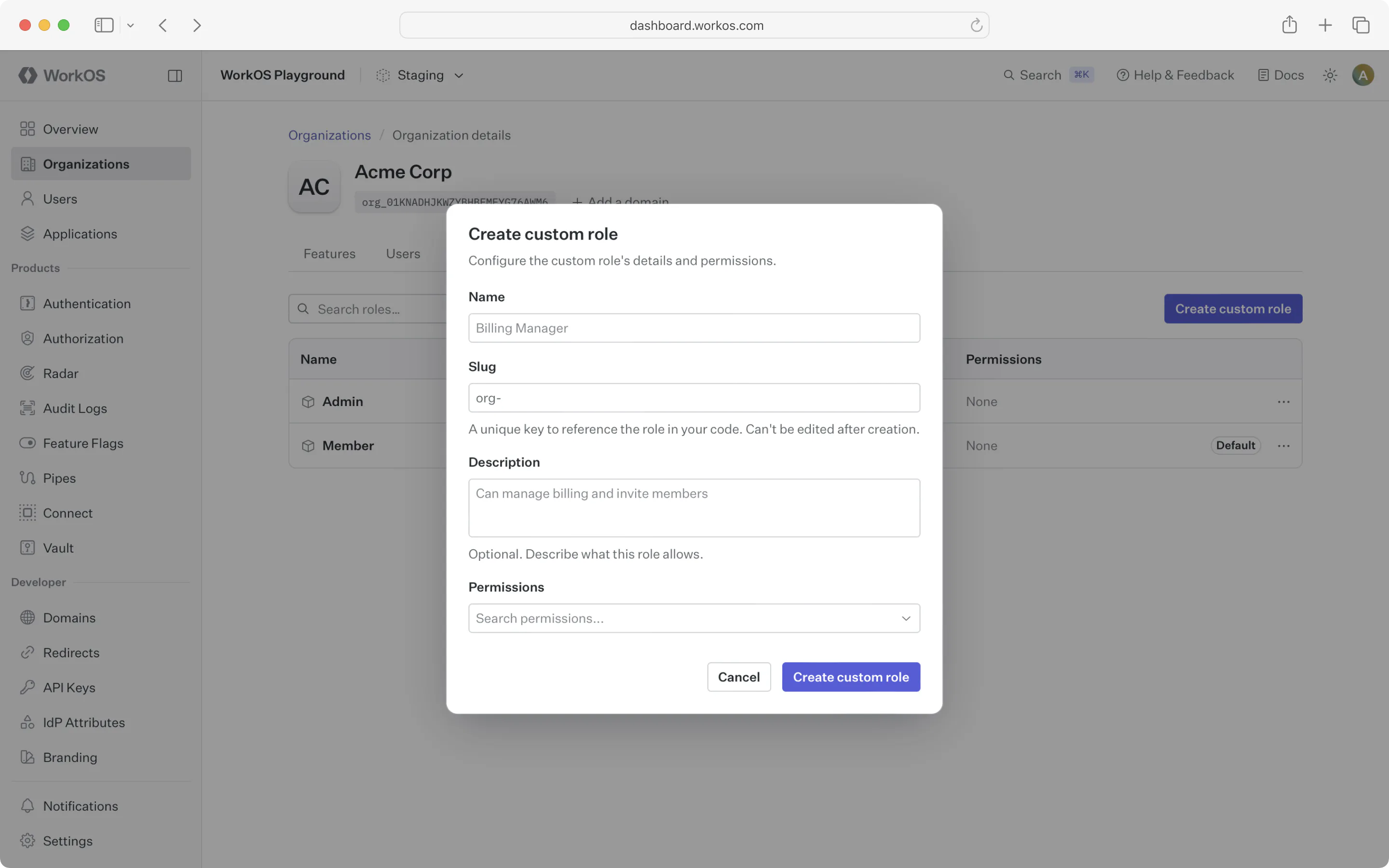
By default, organizations have no custom roles and simply inherit the environment-level roles. You can create a custom role by clicking the “Create role” button on the organization’s Roles tab or using the Custom Roles API.
When creating a custom role via the API, the slug field is optional. If omitted, a slug is auto-generated from the role name with a unique suffix (e.g., billing-admin-jkmnpq). If provided, the slug must begin with org-.
Once you create the first role for an organization, that organization will have its own default role and priority order, independent from the environment.
New roles added to the environment will be available to the organization and placed at the bottom of the organization’s role priority order.
Like environment-level roles, custom roles can be used in role assignment, sessions, and the organization membership API. No additional action is required to enable this behavior after creating custom roles.
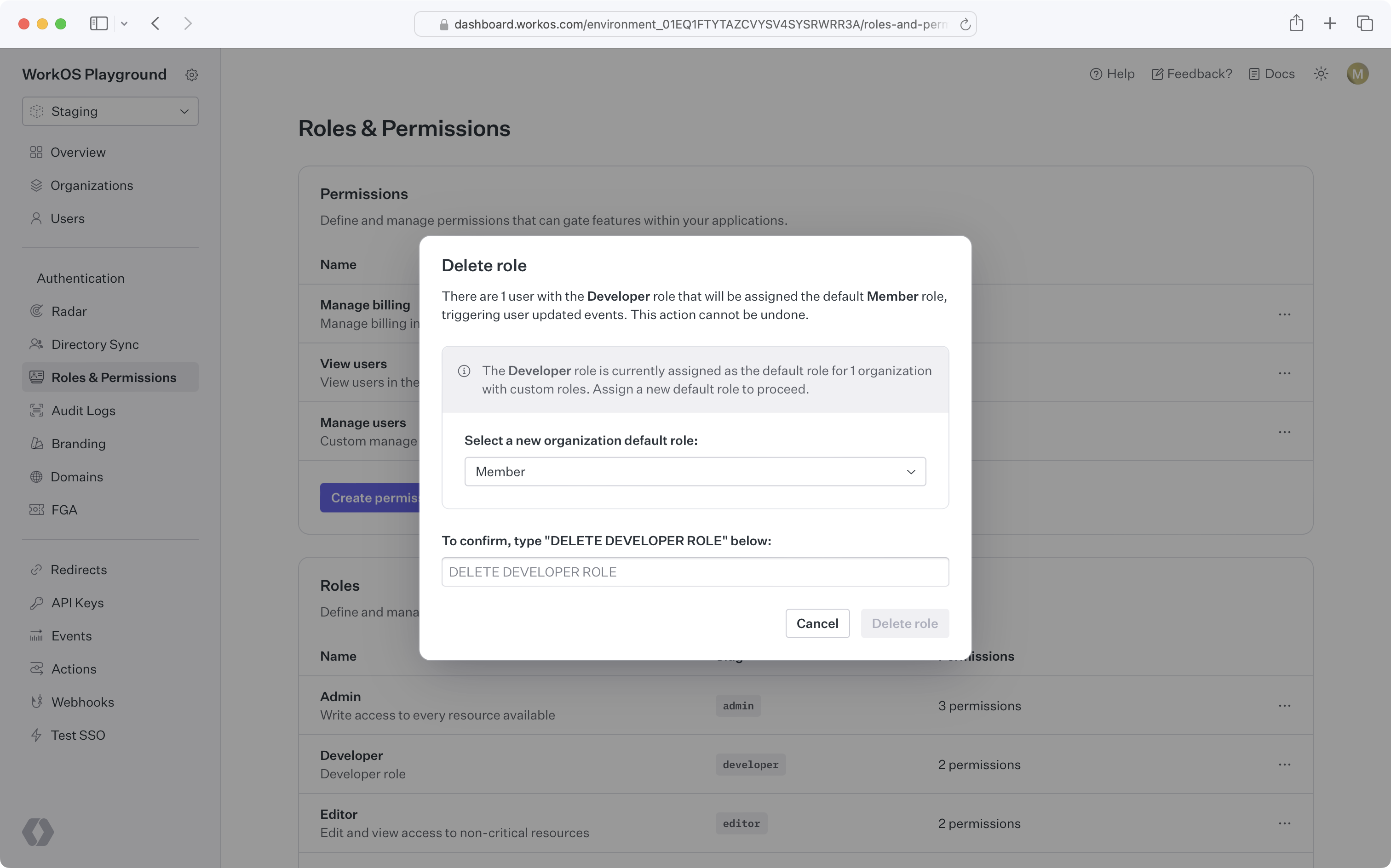
When attempting to delete an environment role that’s the default role for one or more organizations, you’ll be prompted to select a new default role for all affected organizations. Organization members previously assigned the deleted role will be assigned the new organization default role.